Short answer
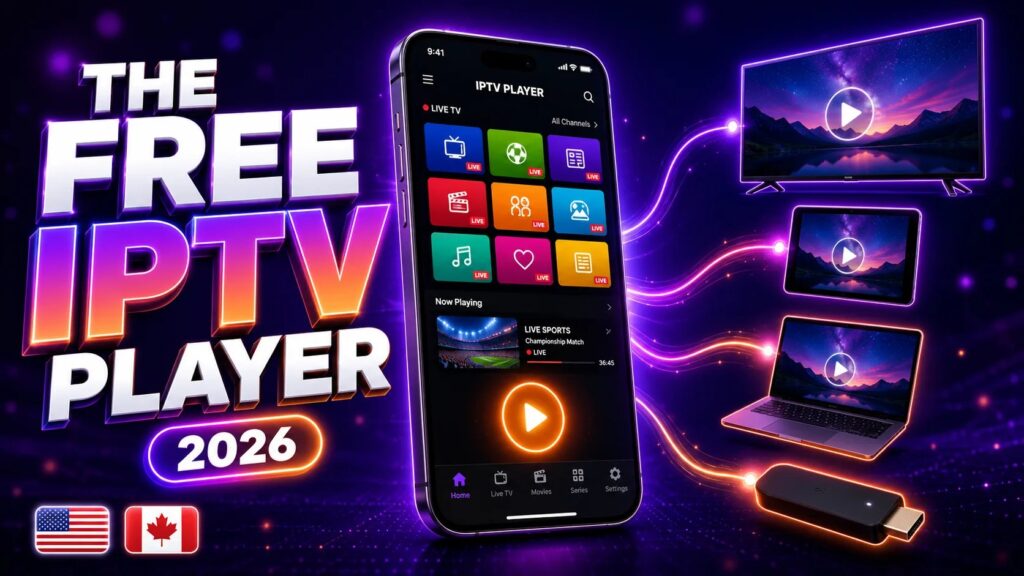
Smarters Player Lite is the free, stripped-back cousin of IPTV Smarters Pro. It plays your IPTV subscription on iPhone, iPad, Apple TV, Android and Fire TV — you just log in with the Xtream Codes details or M3U link your provider sends you. In 2026 it is the default pick on Apple devices because it is free, simple, and available straight from the App Store with no sideloading. It works perfectly with your Zentrix TV login — the app is empty until you pour your subscription into it.
If you have just subscribed and we told you to “download Smarters Player Lite,” this is the guide that gets you watching. And if you are still weighing your options, our best IPTV player apps roundup shows exactly how Lite compares with TiviMate, XCIPTV and the rest.
What Smarters Player Lite Actually Is
Smarters Player Lite is a media player made by WHMCS Smarters — the same team behind IPTV Smarters Pro. The word that matters is player. The app ships with no channels, no films, no subscription of its own. It is a blank shell that plays whatever IPTV service you connect to it, and that is precisely why the official app stores allow it.
Think of it like a web browser. A browser doesn’t come loaded with websites — you type an address and it shows you the page. Smarters Player Lite is the same idea: enter the login from your provider and the app pulls in your channel list, your movies and your series, then wraps them in a clean, easy interface.
The “Lite” version exists mostly because of app-store rules. The full IPTV Smarters Pro app has had a bumpy time on Apple’s store, so WHMCS Smarters shipped a lighter build that strips out whatever reviewers object to. The upshot for 2026: Lite is one of the very few reliable IPTV players you can install on an iPhone, iPad or Apple TV directly from the official store — no workarounds, no risk.
Smarters Player Lite vs IPTV Smarters Pro
This is the first question everyone asks, so here is the side-by-side that settles it.
| Feature | Smarters Player Lite | IPTV Smarters Pro |
|---|---|---|
| Price | Free (optional in-app upgrade) | Free on Android; paid tiers for extras |
| Official Apple App Store | Yes | Usually not available |
| Live TV, movies & series | Yes | Yes |
| Xtream Codes login | Yes | Yes |
| M3U playlist login | Yes | Yes |
| EPG (TV guide) | Yes | Yes, more display options |
| Multi-screen viewing | Limited | Up to 4 screens |
| Parental controls | Basic | Full controls |
| Ads | Shows ads (removable) | Fewer/none by version |
The honest summary: for roughly nine viewers in ten, Lite does everything you actually need — live channels, video on demand, series, catch-up where your provider supports it, and a working guide. Power users on Android may reach for Pro or TiviMate, but on Apple hardware, Lite is simply the standard in 2026.
Don’t overthink it. On an iPhone, iPad or Apple TV, install Smarters Player Lite and move on. The Pro-only extras — four-way multi-screen, deep parental locks — are things most people never touch.
Which Devices Support Smarters Player Lite
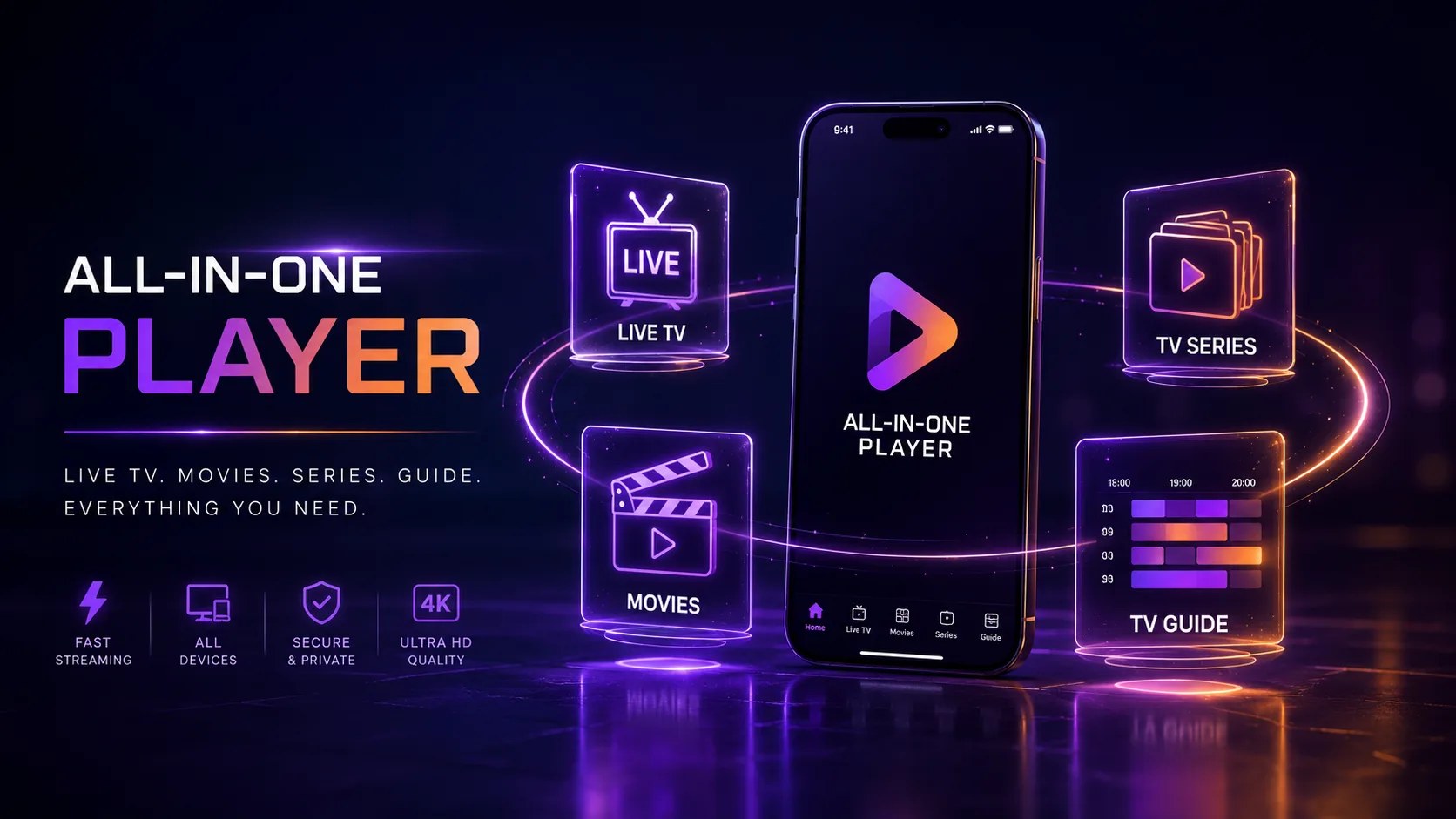
Device coverage is one of Lite’s strongest cards. As of 2026 you can run it on:
- iPhone and iPad — straight from the App Store. This is the app’s home turf.
- Apple TV — the same listing, tuned for the big screen.
- Android phones and tablets — from Google Play or as an APK.
- Android TV / Google TV boxes — including the devices in our best IPTV boxes guide.
- Amazon Fire TV Stick — usually sideloaded; our installation guide covers the steps.
- Windows and macOS — via the desktop builds or an Android emulator.
One app, one login, virtually every device you own. That is exactly why so many providers — Zentrix TV included — recommend it as the default starter app.
What You Need Before You Start
Before you install anything, make sure you have three things ready:
- An active IPTV subscription. The app is empty without one. If you don’t have a service yet, you can start on a short first plan and test everything with no risk.
- Your login credentials. We send these the moment you subscribe — either an Xtream Codes set (server URL + username + password) or an M3U playlist link.
- A stable internet connection. For smooth HD and 4K you want at least 25 Mbps. A quick speed test on the device you’ll actually watch on tells you where you stand.
How to Set Up Smarters Player Lite, Step by Step
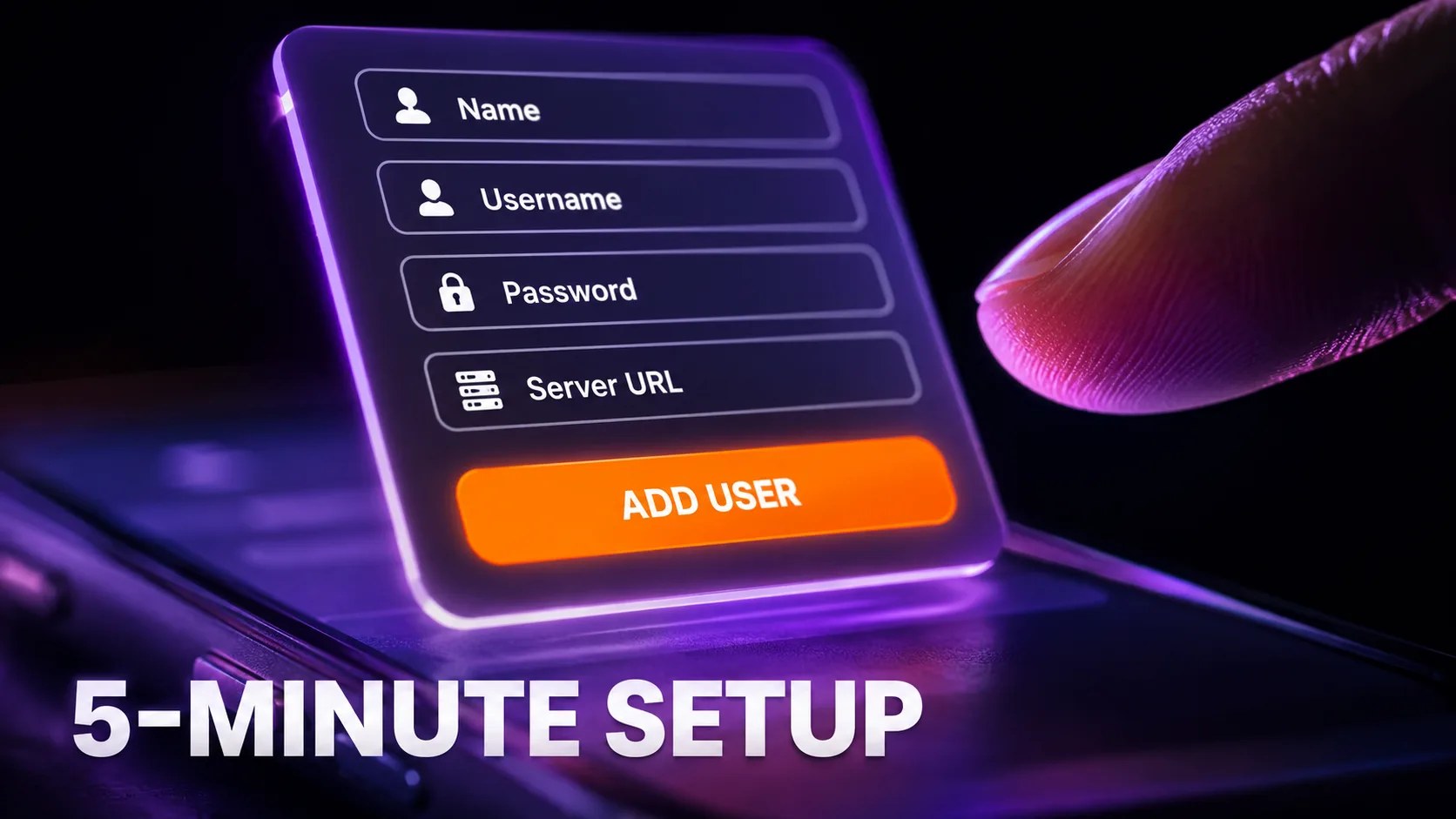
The whole thing takes under five minutes on any platform. The login screen is nearly identical everywhere.
On iPhone, iPad or Apple TV
- Search the App Store for “Smarters Player Lite” and tap Get to install, then open it.
- Accept the Terms of Use on the first launch.
- Choose “Login with Xtream Codes API” — the option most providers, including Zentrix TV, use.
- Enter your details: any name (e.g. “Zentrix TV”), your username, your password, and the server URL exactly as we sent them — including
http://and the port number. - Tap Add User. The app downloads your channels, movies and series, usually in under a minute.
On Android phones, Android TV and Google TV
- Install the app from Google Play (or the APK we link if a specific version is recommended).
- Open it, accept the terms, and pick “Login with Xtream Codes API.”
- Enter the same four details: name, username, password, server URL.
- Tap Add User and let the content load.
On Fire TV Stick
- Enable Apps from Unknown Sources (My Fire TV → Developer Options).
- Install the Downloader app from the Amazon Appstore.
- Use Downloader to fetch the APK we link, then install it.
- Log in exactly as above. The full walkthrough with screenshots is in our installation guide.
Prefer the playlist method? If we gave you a single long URL ending in type=m3u_plus, choose “Load Your Playlist or File/URL” instead, paste the link, name the playlist and tap Add. Both routes load the same content — Xtream Codes login just tends to keep the EPG and VOD categories more reliably up to date.
The 6 Settings Worth Changing on Day One
Out of the box, Lite works fine — but five minutes in the settings menu makes it noticeably better.
- Switch the stream format if channels stutter. Under Settings → Stream Format, flip between HLS and MPEG-TS. If live channels are slow to start or stutter, the other format fixes a surprising share of complaints.
- Pick the right decoder. Settings → Player Settings lets you choose Hardware, Software or Native decoding. Hardware suits most modern devices; if you see green screens, artefacts or audio-sync issues on some channels, switch that channel to software decoding.
- Set the EPG time shift. If the guide shows the wrong times, your provider’s EPG source may be in another timezone. Settings → EPG shifts the guide by ±hours until it lines up.
- Turn on Auto Start on Boot (TV boxes). On Android TV and Fire TV, letting the app launch at startup turns the box into a true cable-box replacement — power on and the channels are just there.
- Enable parental control. Even the Lite build can lock categories behind a PIN. If kids share the device, set it before they find the channel list.
- Clear the cache monthly. Settings → Clear Cache wipes stale data that piles up over weeks of viewing. It is the “turn it off and on again” of IPTV — and it works.
Common Problems and How to Fix Them
Almost every Lite problem traces back to one of four causes: a login typo, weak Wi-Fi, the stream format, or an expired subscription. Here is the fast triage.
“Invalid username or password”
Nine times out of ten this is a typo — IPTV credentials are case-sensitive and the server URL must include the port (e.g. :8080). Copy and paste rather than typing. If it still fails, your subscription may have lapsed or the server changed — check with us first.
Channels buffer or freeze
Work through this order: restart the app → test your speed (25 Mbps+ for HD) → switch stream format (HLS ↔ MPEG-TS) → move from Wi-Fi to Ethernet if you can → try a different channel to rule out one dead stream. Our IPTV buffering fix guide covers every solution in depth.
The EPG is empty or wrong
Go to Settings → EPG and tap Refresh/Update EPG. If the guide loads but the times are off, use the time-shift setting above. If it is completely empty, ask us for the separate EPG URL. Our guide to fixing a blank or wrong EPG walks through the nine checks in order.
VOD or series categories missing
Log out and back in with the Xtream Codes method (not M3U) — API logins pull the full VOD structure. Still missing? Those categories may simply not be part of your plan.
The app crashes on launch
Update the app, then your device’s OS. If it persists, delete and reinstall — your login takes 30 seconds to re-enter. On older Fire Sticks, low storage is a frequent culprit, so uninstall apps you don’t use.
Catch-Up, VOD and Series in Lite
Past the live channels, Smarters Player Lite organises on-demand content into three tabs:
- Movies (VOD). Your provider’s film library sorted by category — new releases, genres, languages. Posters, summaries and ratings load automatically when the metadata is supplied, so browsing feels like a mainstream streaming app rather than a raw file list.
- Series. Shows organised by season and episode, with resume support — stop episode 4 on your iPad at lunch, pick it up on the living-room TV at night on the same login.
- Catch-Up / EPG playback. Where Zentrix TV supports catch-up, channels show a small clock icon in the guide. Tap a past programme and it plays back like a recording — no DVR hardware, nothing to configure.
One honest limitation: Lite does not record to local storage the way TiviMate Premium does on Android. If true DVR recording matters to you, that is the single strongest reason to consider TiviMate on an Android box instead — we compare them in the player roundup.
Pro Tips to Get More Out of Lite
A few habits separate the frustrated users from the happy ones:
- Favourite aggressively. A 30,000-channel list is a phone book. Long-press (or tap the heart on) the 20–30 channels you actually watch and live inside your Favourites — surfing becomes instant.
- Use search, not scrolling. The magnifier searches live channels, movies and series at once. Three letters beats paging through categories every time.
- Name playlists by room or person. If your plan includes multiple connections, add the login twice with names like “Living Room” and “Kids iPad” so favourites and history don’t collide.
- Keep one backup player installed. Apps occasionally break after an OS update. Having XCIPTV or TiviMate ready with the same login means a bad update never costs you an evening of TV.
- Wire the main TV. Wi-Fi is fine for phones, but the living-room box deserves Ethernet — the single biggest reliability upgrade you can make, bigger than any in-app setting.
- Update through the store, not APK sites. Random “latest version” APK sites are the main malware risk in this space. Official stores or our direct link only.
Never enter payment details inside a player app. The app is just a player, like VLC. Your Zentrix TV subscription is paid on our website, never inside Smarters Player Lite. Any player that asks for card details on its own is a red flag.
Smarters Player Lite Alternatives Worth Knowing
Lite is a great default, but it is not the only option:
- TiviMate — the power-user favourite on Android TV, with the best EPG grid in the business.
- XCIPTV — highly customisable and popular on Firestick.
- IPTV Smarters Pro — the full-fat version with the extra power features.
Quick rule of thumb: Apple device → Smarters Player Lite. Android TV box and you love tinkering → TiviMate. Anything else → Lite or XCIPTV, whichever interface you prefer. The best part: your Zentrix TV login works in all of them, so testing costs nothing but ten minutes.
It also pays to compare a few services before you settle on one. Independent lineups such as KiloTV are a useful reference point when you are weighing channel packs, and Smarters Player Lite happily loads whichever provider you choose — the app never locks you to a single service.
Further reading
- the IPPlayTV Smarters setup guide — screenshots for the login screen if you get stuck.
- IPPlayTV on player alternatives — what to move to when Smarters stops updating on your device.
Setting up on a new screen? The Zentrix TV app guide shows which player to install on Firestick, Samsung, LG and iPhone, and where each part of your login goes.
Frequently Asked Questions
Is Smarters Player Lite really free?
Yes. The core app — live TV, VOD, series and EPG — is free. It shows occasional ads, which a small one-time in-app purchase removes. There is no subscription fee for the app itself; you only pay for your IPTV service.
Does Smarters Player Lite include channels?
No. It is an empty player. Every channel, film and series comes from the IPTV subscription you log in with. Add your Zentrix TV details and the app fills up in about a minute.
What's the difference between Smarters Player Lite and IPTV Smarters Pro?
Lite is the app-store-friendly free version: the same core playback with fewer power features such as multi-screen and advanced parental controls. Pro adds those extras but is harder to get on Apple devices. Most viewers never miss the Pro features.
Which devices does Smarters Player Lite work on?
iPhone, iPad, Apple TV, Android phones and tablets, Android TV and Google TV boxes, Amazon Fire TV Stick, plus Windows and macOS. One login format works across all of them.
Can I use one login on multiple devices?
You can install the app everywhere, but how many streams play at once depends on your plan, not the app. Zentrix TV plans support multi-device connections — check your plan details for the exact limit.
Why is my picture quality poor?
Check three things: your internet speed (25 Mbps+ for HD, 50+ for 4K), the stream format setting, and whether the channel itself broadcasts in HD — a 480p source cannot become 4K. For a closer look at what genuinely sharp streams require, Tivo8K breaks down real 4K IPTV quality in more detail.
Get the login, Lite does the rest.
Zentrix TV works in Smarters Player Lite and every major player — 70,000+ live channels and 260,000+ titles from $6.15 a month. One login, the app is your choice.