Short answer
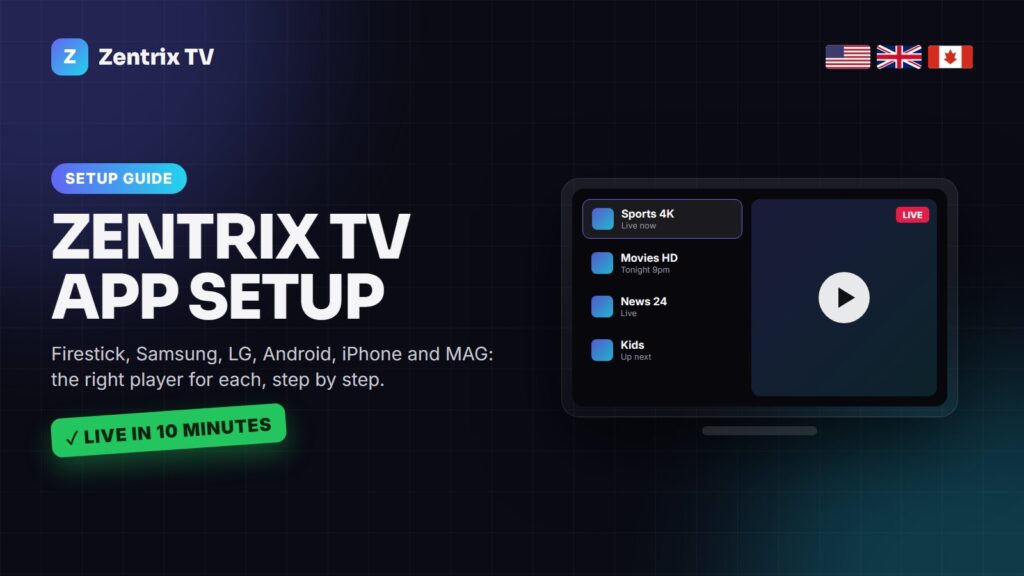
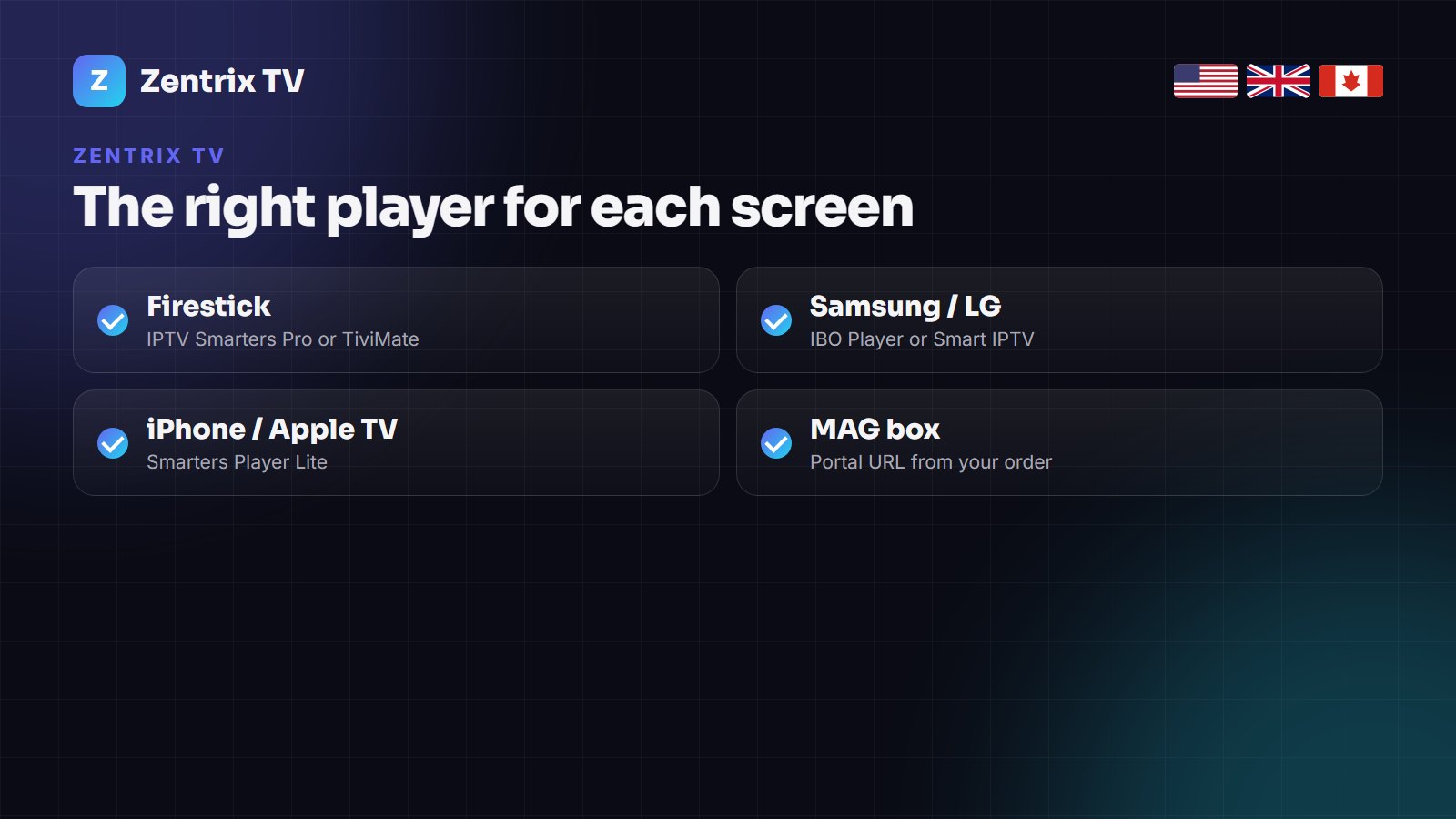
There is no Zentrix TV app or APK to download. Zentrix TV is a subscription line that you open in a standard IPTV player: IPTV Smarters Pro or TiviMate on a Firestick or Android TV, IBO Player or Smart IPTV on a Samsung or LG TV, Smarters Player Lite on an iPhone, iPad or Apple TV, and the portal URL on a MAG box. You enter the server URL, username and password from your order once, and the channels, guide and on-demand library load in a few minutes.
People search for “Zentrix TV app” expecting a download button. Here is why there is not one, which player to install instead, and the exact steps for each device.
Any site offering a “Zentrix TV APK” is not us. Install players only from the Amazon Appstore, Google Play, the App Store, your TV’s own store or the developer’s website, and enter the login we send you. That keeps your device clean and your line working after updates.
Why Zentrix TV works through players, not its own app
An IPTV line is a standard format (Xtream Codes or M3U) that every serious player understands. Building our own app would mean one more thing to update and one more APK to sideload. Using established players gives you a better guide, recording, catch-up and parental locks, and lets you keep the app you already like if you switch provider.
What you receive after ordering: a server URL, a username and a password (for Xtream Codes players), an M3U link (for playlist players) and, on request, a portal URL for MAG boxes.
Zentrix TV on Firestick and Fire TV
IPTV Smarters Pro is in the Amazon Appstore in most regions, so no sideloading is needed. If it is not listed where you live, install the Downloader app first and use the Smarters download code from the developer’s website.
- From the Fire TV home screen, open Find → Search and type IPTV Smarters. Install it.
- Open the app, accept the terms and choose Login with Xtream Codes API.
- Type any name (for example Zentrix TV), then the username, password and server URL from your order.
- Press Add user. Live TV, Movies and Series load in a minute or two; the TV guide can take up to fifteen minutes the first time.
Prefer a cable-box style guide? Install TiviMate through Downloader, choose Add playlist → Xtream Codes and enter the same details. Our IPTV setup guide has screenshots of both.
Zentrix TV on Samsung and LG Smart TVs
Smart TVs cannot run Android apps, so you use a player from the TV’s own store. These apps show a MAC address and a device key when you open them.
- Install IBO Player (or Smart IPTV) from the Samsung Apps or LG Content Store.
- Open it and note the MAC address and device key on screen.
- Send both to us on WhatsApp, or enter your playlist yourself on the app’s website.
- Restart the app. Your channels appear within a few minutes.
Most of these apps charge a small one-off activation fee to their developer after a free period. More detail, including picture settings, is in our Samsung Smart TV guide.
Zentrix TV on Android phones, tablets and boxes
Install IPTV Smarters Pro or TiviMate from Google Play, choose the Xtream Codes login and enter your details. On Android TV boxes, set the player’s decoder to Hardware first; if a 4K channel stutters, try Hardware+, and if you get sound without picture, try Software.
Zentrix TV on iPhone, iPad and Apple TV
Install Smarters Player Lite or IPTVX from the App Store, choose the Xtream Codes option and enter the server URL, username and password. On Apple TV the same app works with the Siri remote. Our Smarters Player Lite guide covers the iOS settings that matter.
Zentrix TV on MAG boxes and computers
- MAG 322/324/424/524: Settings → System settings → Servers → Portals, paste the portal URL we send, save and restart. Give us the box’s MAC address when you order.
- Windows and Mac: IPTV Smarters has desktop versions, or open the M3U link in VLC for quick viewing without a guide.
Which player should you choose?
| Player | Devices | Best for | Cost |
|---|---|---|---|
| IPTV Smarters Pro | Firestick, Android, iOS, PC | Easy setup, live TV plus VOD | Free |
| TiviMate | Firestick, Android TV | Cable-style guide, recording | Free / Premium yearly |
| IBO Player | Samsung, LG, Android | Smart TVs with nothing plugged in | Small one-off fee |
| Smarters Player Lite | iPhone, iPad, Apple TV | Apple devices | Free |
We compare them in more depth in the best IPTV player. If you are not sure, start with IPTV Smarters: it runs on almost everything and is the easiest to set up.
If something does not work
- “Invalid login”: check for a space at the end of the username or password, and that the server URL starts with http:// and includes the port.
- Empty TV guide: wait fifteen minutes, then force an EPG refresh in the player’s settings. Our EPG troubleshooting guide covers the rest.
- Buffering: try a wired connection or 5 GHz Wi-Fi, then message support so we can check the server node.
Frequently Asked Questions
Is there a Zentrix TV app?
No. Zentrix TV is a subscription line that you open in a standard IPTV player such as IPTV Smarters Pro, TiviMate, IBO Player or Smarters Player Lite.
Is there a Zentrix TV APK?
No official APK exists. Install players from the Amazon Appstore, Google Play, the App Store or the developer’s own website, never from random APK sites.
What is the best app for Zentrix TV on Firestick?
IPTV Smarters Pro for the easiest setup, or TiviMate if you want a cable-style TV guide and recording.
How do I watch Zentrix TV on a Samsung or LG TV?
Install IBO Player or Smart IPTV from the TV’s store, note the MAC address and device key, and send them to us on WhatsApp so we can load your playlist.
How many devices can I install Zentrix TV on?
As many as you like. The limit is how many play at the same time, which depends on your plan; extra connections can be added.
Where do I find my Zentrix TV login?
In the WhatsApp, Telegram or email message we send after payment: server URL, username, password and M3U link.
Get your Zentrix TV login.
Works in every major player on every device. Most lines are live within ten minutes of payment.